
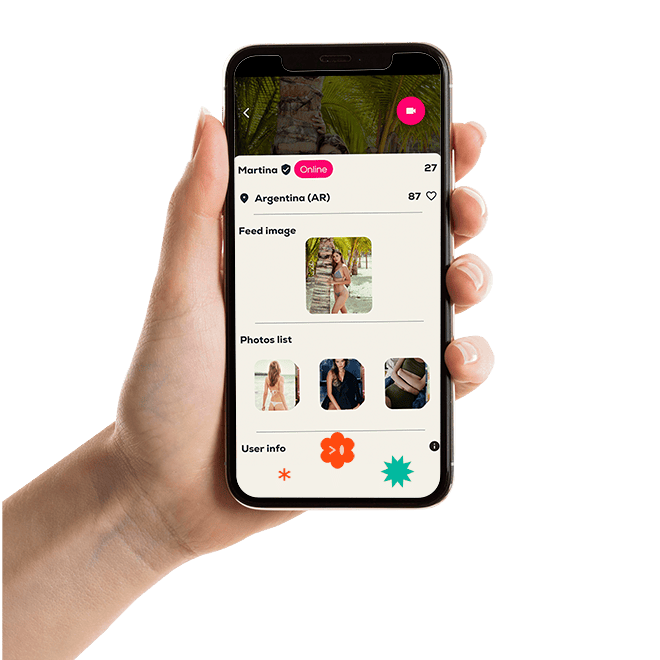
How to use
To use Date Play, simply download it for free from the App Store or Google Play and create an account.
If you only want to receive payments, simply add an affiliate account in your account settings. You won’t need to add a payment method, as payments for your content will be sent directly to your bank account.
If, on the other hand, you want to receive and request dates, you will need to create an affiliate account to receive payments for your content, and you will also need to add a payment method—preferably a credit card—to set up automatic payments within Date Play.
Create a new account
With email and password
The first step is to create an account by entering a username, your age, an email address, and a password. You'll use your email and password to log back in if you sign out.
user safety
Verify your account
Before you set up your affiliate account to receive payments and use Date Play, you will need to verify that you are a real person to ensure the legality of your interactions. Verifying your account involves taking a selfie, and the Date Play team will review your account. If you do not comply with the app’s terms of service, your account will be blocked.
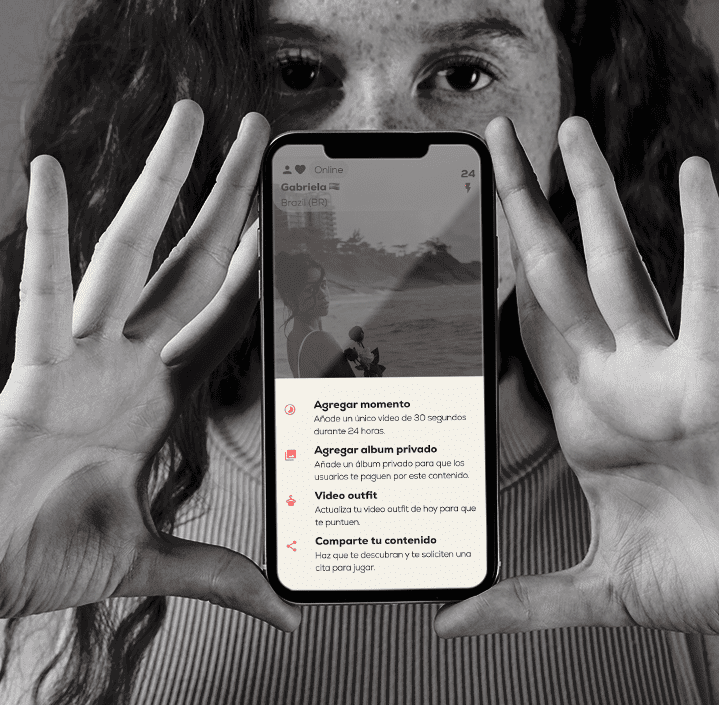
in-app
Some of the interesting content you can share with other users
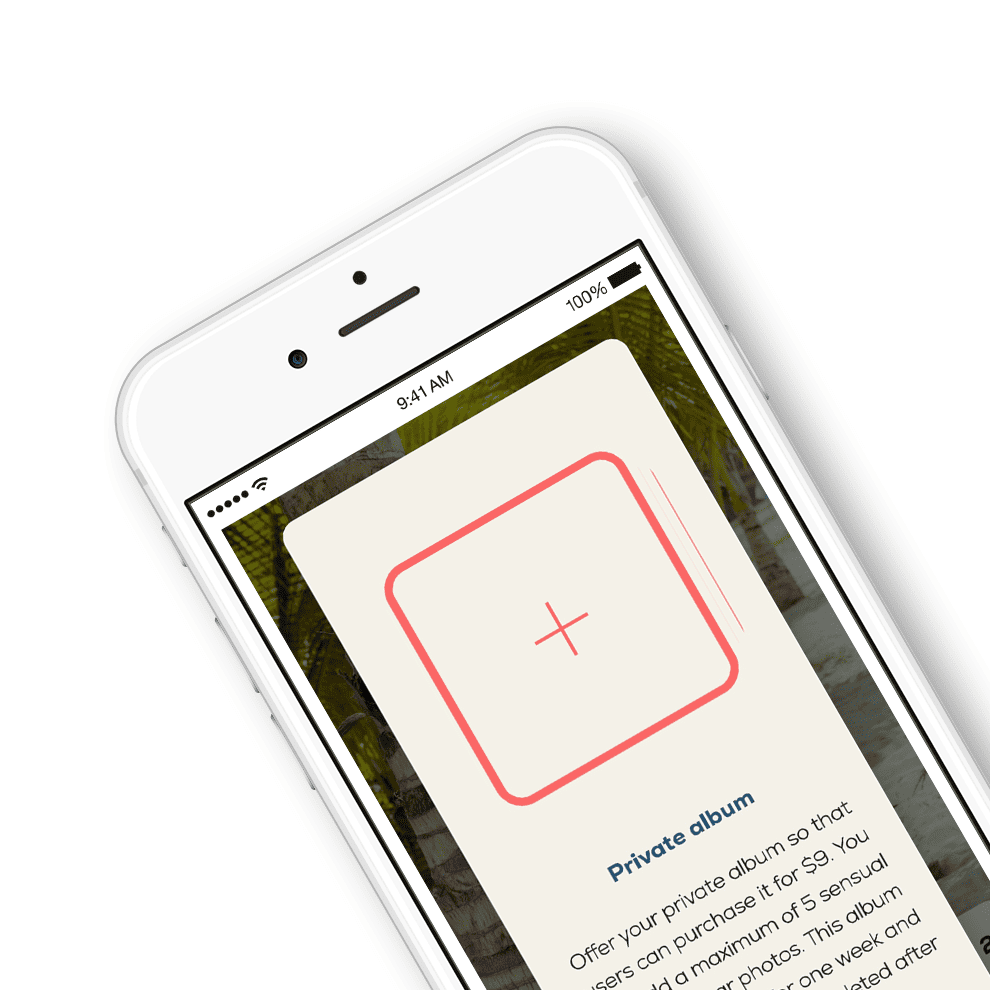
list photos profile



Our suppliers

FRAMEWORK

BACK END

PAYMENTS

DATES

One of the values that Date Play stands for is the opportunity for many people to easily earn money from home through the content they create. This new technology means you no longer have to take low-paying jobs that prevent you from living the life you want.